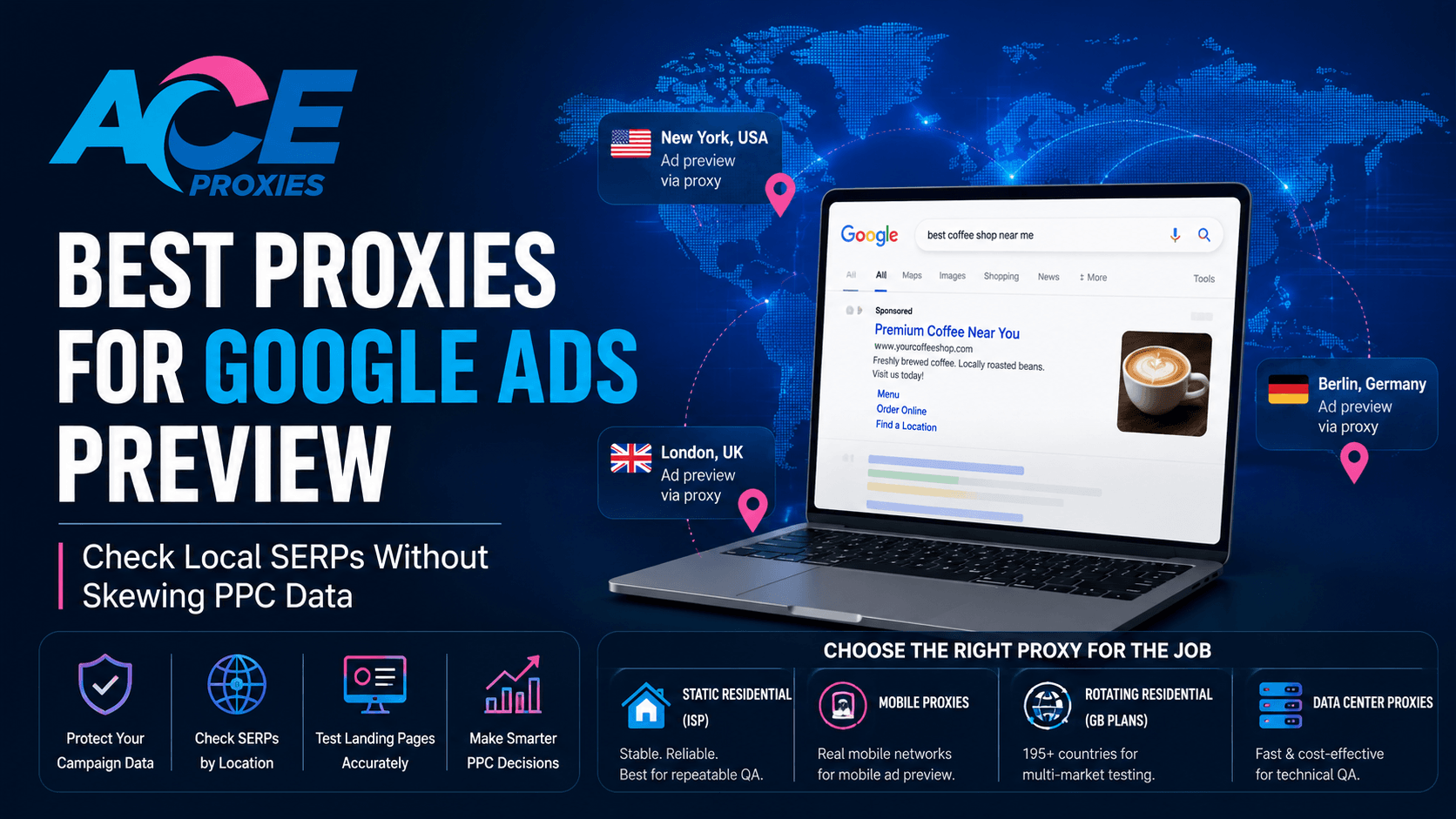
Best Proxies for Google Ads Preview: Check Local SERPs Without Skewing PPC Data
Introduction
You just launched a Google Ads campaign targeting New York, London, and Berlin. The targeting looks correct in the dashboard. The keywords are approved. The landing page is live.
Then a client or media buyer asks the question every PPC manager eventually hears:
"Can you show me exactly what users in that location are seeing?"
At first, that sounds simple. Open Google, search the keyword, take a screenshot, and send it over. But repeatedly searching for your own ads manually is one of the fastest ways to skew your own campaign data.
Google recommends using the Ad Preview and Diagnosis tool because it allows advertisers to preview ads without generating normal impression activity. Repeated manual searches can create impressions without clicks, which may affect campaign performance metrics over time.
However, true PPC quality assurance does not stop at Google’s preview tool.
Professional teams also need to validate localized landing pages, mobile rendering, redirect chains, tracking parameters, consent banners, dynamic phone numbers, and post-click user experience in the target market. That is where proxies become extremely useful, not for artificial traffic manipulation, but for controlled testing from a region-specific environment.
This guide explains how to select the best proxies for Google Ads preview workflows, local SERP QA, and landing page validation without disrupting your own campaign metrics.
Why Google Ads Preview Checks Go Wrong
Google Ads testing is difficult because the Search Engine Results Page (SERP) is dynamic. Results change based on:
- Location
- Device type
- Browser language
- Search history
- Audience signals
- Real-time auction conditions
Google’s Ad Preview and Diagnosis tool is the safest place to confirm whether an ad is eligible to appear for a search term. However, PPC teams still encounter several challenges that the dashboard alone cannot fully validate.
1. Dashboard Settings Do Not Reflect the Full User Journey
A campaign may target Chicago correctly, but the landing page could still:
- Redirect users incorrectly
- Display the wrong localized phone number
- Load the wrong currency
- Trigger a consent banner that blocks tracking scripts
- Serve an outdated regional offer
The preview tool answers:
"Can the ad appear?"
It does not fully answer:
"Does the entire user journey work properly in that market?"
2. Your Office IP Is a Poor Testing Environment
If your team operates from Manila but the campaign targets California, your office connection may not reflect the same:
- SERP layout
- Local Pack behavior
- Language defaults
- Geo-personalized content
- Mobile rendering behavior
Testing through a region-appropriate proxy creates a more accurate environment for local QA.
3. Repeated Manual Searches Can Distort Campaign Data
Google advises advertisers to avoid repeatedly searching for their own ads manually because impressions may accumulate without clicks.
A proxy-based workflow helps solve the remaining part of the equation by allowing teams to verify:
- Landing page localization
- Redirect behavior
- Tracking parameters
- Regional content
- Mobile rendering
- Competitor context
The goal is not to click your own ads. The goal is to validate the campaign environment without introducing unnecessary noise into campaign metrics.
The Wrong Way vs. The Right Way
The Wrong Way
A marketer opens an incognito window, connects to a free proxy, repeatedly refreshes Google until the ad appears, clicks the ad to test the landing page, and takes screenshots.
This creates multiple problems:
- Free proxies often have poor IP reputation
- Incognito mode does not fully anonymize the browser
- Repeated searches can skew impression data
- Clicking your own ads wastes budget
- Rotating IPs mid-session can break landing page behavior
The Right Way
Separate your workflow into three parts:
- Ad visibility checks
- SERP observation
- Landing page QA
Then choose the proxy type that matches the task.
For Stable Logged-In Testing and Repeatable QA
Use Ace Proxies Static Residential Proxies (ISP).
These provide stable, dedicated ISP-routed IPs with unlimited bandwidth and high uptime, making them ideal for long sessions and repeatable market checks.
For Mobile-First Campaign Testing
Use Ace Proxies Mobile Proxies.
Mobile SERPs and landing pages often behave differently than desktop environments. Routing traffic through real mobile carrier networks helps simulate authentic mobile-user conditions.
For Multi-Country Market Sampling
Use Ace Proxies Rotating Residential Proxies (GB Plans).
These are useful for checking localization across multiple countries without relying on a single static IP.
For Fast Technical QA
Use Ace Proxies Data Center Proxies.
If you are validating redirect chains, analytics tags, or staging environments where residential trust is unnecessary, datacenter proxies are typically faster and more cost-efficient.
Step-by-Step Guide: How to Use Proxies for Local SERP QA
Step 1: Define Exactly What You Are Testing
Before opening a browser, define the objective clearly.
Examples:
- Checking if an ad is eligible to appear? Use Google’s Ad Preview tool.
- Checking localized pricing or phone numbers? Use Static ISP or Mobile Proxies.
- Checking multiple countries? Use Rotating Residential Proxies.
A clean PPC testing workflow should define:
- Target location
- Device type
- Expected landing page
- Expected regional content
- Pass/fail criteria
Step 2: Build a Clean Browser Environment
A proxy changes the network route. It does not automatically clean browser fingerprints.
For accurate QA:
- Use a fresh browser profile for each market
- Clear cookies before switching regions
- Match browser language and timezone
- Disable location services unless GPS testing is required
- Avoid logging into personal Google accounts during testing
Step 3: Test Landing Pages Without Clicking Your Own Ads
Instead of clicking the live ad, copy the Final URL directly from Google Ads, including the tracking parameters.
Then validate:
- Does the page load correctly?
- Do UTM parameters survive redirects?
- Is the correct phone number displayed?
- Is the currency correct?
- Does the CTA remain visible on mobile?
- Does the page load properly from the target market?
This keeps testing controlled while protecting campaign metrics.
Step 4: Keep Proxy Rotation Stable During a Session
One of the biggest mistakes in local SERP QA is rotating IPs during a single landing page session.
If the IP changes midway through a form submission or checkout flow, the target site may treat the session inconsistently.
Best practice:
- Keep the same IP for one complete test flow
- Rotate only after finishing a market check
- Use sticky sessions for forms, login flows, and screenshots
Step 5: Document Results Like a QA Team
Every QA result should include:
- Date and time
- Campaign or Ad Group
- Proxy type and location
- Expected result
- Actual result
- Screenshot evidence
- Pass/fail status
This creates a repeatable QA process and provides cleaner reporting for clients and stakeholders.
Pro Tip
Use Google’s Ad Preview and Diagnosis tool for ad visibility checks.
Then use Ace Proxies to validate everything outside the ad itself:
- Landing page localization
- Redirect chains
- Mobile rendering
- Tracking parameters
- Dynamic phone numbers
- Regional consent banners
Warning
Avoid repeatedly searching for your own keywords manually on Google. Repeated searches can generate impressions without clicks and may distort campaign performance metrics over time.
Technical Benchmarks: What to Look For Before You Buy
1. Location Accuracy
For local SERP QA, proxy location accuracy matters.
Country-level targeting may be sufficient for broad checks, but city or state-level accuracy becomes important for:
- Local service businesses
- Pricing zones
- Delivery availability
- Regional legal notices
Ace Proxies offers targeted US locations for Static Residential Proxies and broad international coverage for Rotating Residential plans.
2. Session Stability
For PPC QA, stable sessions are often more useful than constant rotation.
Static Residential Proxies (ISP) are ideal for:
- Long browser sessions
- Account logins
- Form testing
- Before-and-after screenshots
Rotating Residential Proxies are better suited for:
- Multi-country spot checks
- Broad localization validation
- Large-scale market sampling
3. Speed and Realistic Page Loading
Proxy speed matters because a slow proxy can make a properly optimized landing page appear broken.
Ace Proxies Static Residential and Datacenter plans support high-speed connections, although real-world performance depends on user routing, target-site conditions, and network distance.
At the same time, slightly slower mobile proxies may provide a more realistic representation of actual mobile-user experience.
4. Reputation and IP Cleanliness
Low-quality or abused proxies can create false negatives during testing.
Poor IP reputation may trigger:
- CAPTCHAs
- Redirect failures
- Fraud checks
- Security challenges
This is why free proxies are rarely suitable for professional PPC QA workflows.
Final Verdict
The best proxy setup for Google Ads preview is not just one proxy. It is a structured workflow.
Use Google’s Ad Preview and Diagnosis tool to verify ad visibility without affecting campaign metrics.
Then use Ace Proxies to validate the real-world campaign experience:
- Landing page localization
- Mobile rendering
- Redirect behavior
- UTM tracking
- Forms
- Regional pricing
- Market-specific content
Recommended Proxy Types by Use Case
- Static Residential Proxies (ISP): Best for stable, repeatable QA sessions
- Mobile Proxies: Best for mobile-first campaigns and carrier-level testing
- Rotating Residential Proxies (GB Plans): Best for multi-country spot checks
- Data Center Proxies: Best for fast internal technical QA
A structured QA process helps protect campaign metrics, produce cleaner reporting, and catch conversion issues before ad spend is wasted.
Ready to Test Google Ads Campaigns With Accurate Local SERP Data?
Whether you're validating landing pages, checking mobile ad previews, testing redirects, or reviewing localized search results, the right proxy setup makes PPC QA significantly more reliable.
Ace Proxies offers multiple proxy types designed for different Google Ads testing workflows:
- Static Residential Proxies (ISP): Stable sessions for repeatable QA and account management
- Mobile Proxies: Real carrier IPs for mobile-first campaign testing
- Rotating Residential Proxies: Flexible multi-country SERP and localization checks
- Data Center Proxies: Fast and cost-effective technical QA
Explore all available proxy plans here: https://www.aceproxies.com/buy-proxies
Choose the proxy type that matches your workflow and start validating campaigns with cleaner regional accuracy and more reliable testing environments.
FAQ
Can I use proxies to check if my Google Ads are showing?
You should use Google’s Ad Preview and Diagnosis tool first because it previews ads without affecting impression data. Proxies are more useful for validating landing pages, localization, mobile rendering, and post-click experience.
Should I click my own Google Ads while using a proxy?
No. Avoid clicking your own ads for testing purposes. Use Google’s preview tool for ad visibility and test landing pages separately through a controlled proxy environment.
Which proxy type is best for PPC managers?
Static Residential Proxies (ISP) are usually the best default because they provide stable sessions and consistent testing environments. Mobile Proxies are better for mobile-specific testing, while Rotating Residential Proxies work well for multi-country checks.
Are rotating proxies good for Google Ads QA?
Yes, but only for specific use cases. Rotating Residential Proxies are effective for broad regional validation and market sampling. For long sessions, login flows, or form testing, sticky or static sessions are typically more reliable.