
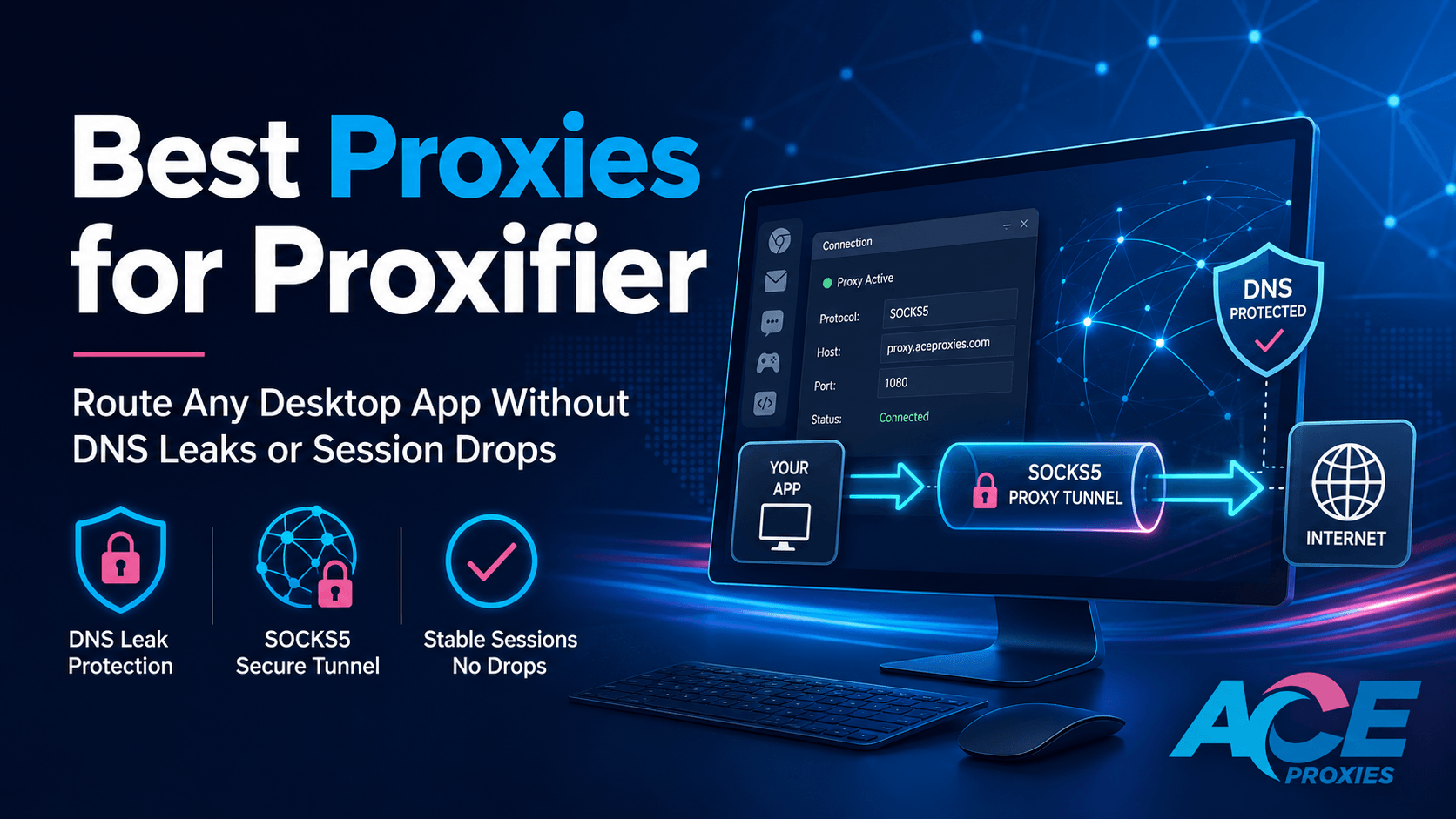
Best Proxies for Proxifier: Route Any Desktop App Without DNS Leaks or Session Drops
Introduction
Some applications make proxy setup effortless. You paste a host, port, username, and password into your browser or scraping script, test the IP, and move on.
Other apps are not that cooperative.
Desktop software, legacy tools, PC game clients, Android emulators, and custom internal programs often ignore your system's default proxy settings completely. Some build their own isolated network stacks. Some launch hidden background processes. Some stubbornly resolve DNS locally before the proxy ever sees the connection, exposing your real location instantly.
This is exactly where Proxifier becomes mandatory.
Proxifier is engineered for applications that refuse to natively support proxies. It forces selected TCP connections, specific applications, or even your entire operating system through SOCKS5, HTTPS, or complex proxy chains.
But Proxifier does not magically fix a weak network architecture.
A sloppy proxy setup inside Proxifier will still expose your real location, break your logged-in sessions, trigger endless CAPTCHA loops, or make a fast app feel unusably slow. The goal is not simply to "force a connection." The goal is to match the proxy type to the job, write airtight routing rules, prevent direct fallbacks, and eliminate DNS leaks.
This guide breaks down the best proxies for Proxifier, explains exactly when to deploy Static Residential, Datacenter, or Mobile proxies, and provides a step-by-step Proxifier proxy setup to ensure your desktop traffic stays stable and leak-resistant.
Why Proxifier Proxy Setups Fail
Most Proxifier headaches stem from four specific architectural mistakes: the wrong proxy type, the wrong protocol, messy rule ordering, or local DNS exposure.
1. Using rotating proxies for persistent sessions
The biggest mistake users make is assigning a fast-rotating proxy to a task that requires one stable identity. If you are logging into a multi-account dashboard, running a crypto wallet, or managing a persistent browser profile, your IP must remain stable. If your proxy rotates mid-session, the target service will instantly flag the session as hijacked, invalidate your cookies, and force re-verification.
2. Deploying Datacenter IPs on high-trust targets
Datacenter Proxies are incredible for raw speed and cost control. But if you try to route a highly sensitive application (like a sneaker bot or a strict social media tool) through a Datacenter IP, the target will flag the ASN. For platforms that heavily score IP reputation and consumer realism, you must upgrade to a Static Residential or Mobile Proxy.
3. Assuming one rule covers the whole application
Many desktop apps do not operate as a single executable. A game client might launch an updater, an anti-cheat module, and an embedded browser. If you configure Proxifier to route onlymainapp.exe but the login request secretly comes from helper.exe, your proxy test may pass while your real IP leaks in the background. 4. The Local DNS Leak
DNS is the process where your computer turns a domain name into an IP address. If this resolves locally, your device exposes what domains you are accessing, even if the final TCP connection routes through the proxy. A true Proxifier DNS leak fix requires intentionally forcing DNS resolution through the proxy tunnel.
The Wrong Way vs. The Right Way
The Wrong Way:
You buy a massive pool of cheap, randomly rotating proxies, add them as your default route in Proxifier, leave the application rules blank, and assume your entire PC is protected.
The result? Half your traffic routes through the proxy, half leaks directly, your local DNS is exposed, and if the proxy goes offline, your apps silently fall back to your real home IP address.
The Right Way:
You design your proxy architecture around the specific session type.
- For persistent, login-heavy apps: Use Ace Proxies Static Residential Proxies (ISP). These combine the high-trust reputation of a residential home IP with unlimited bandwidth, 99% uptime, and up to 10 Gbps speeds. This is how you keep desktop apps stable.
- For high-speed, low-risk tools: Use Ace Proxies Data Center Proxies. These are dedicated private proxies featuring unlimited bandwidth and 1 Gbps connections. They are cheaper and faster, perfect for internal tools where residential trust is unnecessary.
- For massive public data collection: Use Ace Proxies Rotating Residential Proxies (GB Plans). With access to a 40+ million IP pool across 195+ countries, these are ideal when you need to route desktop apps through proxy pools that demand a new identity on every request.
- For mobile-emulation or carrier-strict testing: Use Ace Proxies Mobile Proxies. Routing traffic through real 4G/5G mobile carrier networks gives you the highest possible trust score for strict, app-like flows.
The Golden Rule:
Use Static ISP Proxies for session stability. Use Datacenter Proxies for speed. Use Mobile Proxies for ultimate trust.
Step-by-Step Guide: How to Use Proxifier with SOCKS5 Proxy
Step 1: Map your traffic rules
Do not route your entire system through Proxifier unless absolutely necessary. The cleanest setup is application-level routing (e.g., your target app uses Ace Proxies, while your Spotify and Chrome run directly on your home Wi-Fi).
Step 2: Add your Ace Proxies endpoint
- Open Proxifier and navigate to Profile → Proxy Servers → Add.
- Enter your Ace Proxies Host, Port, Username, and Password.
- Crucial: Select SOCKS Version 5.
Why SOCKS5? For Proxifier, SOCKS5 is vastly superior to HTTP because it supports seamless application-level routing and UDP traffic. Ace Proxies Static ISP, Datacenter, and Mobile plans natively support SOCKS5 authentication.
Step 3: Disable duplicate proxy settings inside the target app
This step is critical. If your target desktop app has its own built-in proxy settings menu, disable it. If you force an app to use its own proxy, and then Proxifier tries to intercept and route that proxy connection through another proxy, you will create a chaotic double-tunnel. Let Proxifier handle 100% of the routing.
Step 4: Create airtight Proxifier Proxy Rules
Go to Profile → Proxification Rules. Proxifier processes rules from top to bottom. A clean, leak-proof rule set looks like this:
| Rule Name | Applications | Target | Action |
|---|---|---|---|
| Localhost | Any | 127.0.0.1; localhost | Direct (Prevents PC loopback crashes) |
| Target App Main | yourapp.exe | Any | Proxy SOCKS5 (Main app routing) |
| Target App Helper | helper.exe; updater.exe | Any | Proxy SOCKS5 (Background processes) |
| Block Target Direct | yourapp.exe; helper.exe | Any | Block (Prevents real IP leak) |
| Default | Any | Any | Direct (Keeps rest of PC off proxy) |
The Block Target Direct rule is your safety net. If your Ace Proxies endpoint temporarily drops, you do not want your application silently falling back to your real IP address.
Step 5: Execute the Proxifier DNS leak fix
After routing the application, you must force DNS through the proxy.
- Go to Profile → Name Resolution.
- Check the box for "Resolve hostnames through proxy".
- Open a browser routed through Proxifier and visit ipleak.net.
- Confirm that the visible IP and the DNS servers belong to your proxy location.
💡 PRO TIP:
Do not use Proxy Chains in Proxifier unless you have a highly specific security reason. While chaining proxies sounds cool, every "hop" drastically increases your ping. Stick to a single, high-quality Ace Proxies endpoint for maximum stability.
⚠️ WARNING:
Avoid rotating IPs in the middle of login-heavy desktop sessions. Rapid rotation will instantly break account sessions and trigger re-authentication loops in persistent applications.
Technical Benchmarks: What to Look For Before You Buy
1. SOCKS5 Protocol Support
For desktop application routing, SOCKS5 is the undisputed king. It handles raw TCP/UDP data packets seamlessly, whereas HTTP proxies often struggle with non-web traffic. Ensure your proxy provider supports SOCKS5 natively.
2. Session Stability (Sticky IPs)
For account-based desktop tools, stability beats rotation. Ace Proxies Static Residential Proxies (ISP) are the strongest default for Proxifier because the IP stays locked indefinitely.
3. Bandwidth Models
Desktop applications consume massive amounts of background data. If you leave a desktop app running 24/7 on a pay-per-GB rotating plan, you will burn through your budget in days. Always utilize Unlimited Bandwidth options (like Ace Proxies Static ISP or Datacenter plans).
4. Latency and Location Matching
For Proxifier, latency is heavily noticeable. Always purchase a proxy location physically closest to your target market's server.
5. Concurrency Limits
Even premium proxies fail if abused. Ace Proxies Mobile Proxies are highly trusted, but they are not designed for extreme concurrency. Ace Proxies recommends roughly 30 concurrent threads per Mobile Proxy for optimal performance.
Final Verdict
The best proxy for Proxifier depends entirely on the desktop application you are trying to route.
- For the vast majority of power users, Ace Proxies Static Residential Proxies (ISP) are the ultimate starting point for stable, dedicated IPs and unlimited bandwidth.
- Choose Ace Proxies Data Center Proxies when raw speed and cost-efficiency matter more than residential stealth.
- Choose Ace Proxies Rotating Residential Proxies (GB plans) strictly when you are collecting public data at scale and require massive IP diversity.
- Choose a Proxifier mobile proxy setup via Ace Proxies Mobile Proxies when routing Android emulators or carrier-sensitive software that demands real 4G/5G trust scores.
Proxifier gives you the routing control. Ace Proxies provides the elite infrastructure behind that routing. Combine them correctly, and you can force even the most stubborn desktop apps through a secure, leak-proof tunnel.
Head over to the Proxies Plans Page today, select the SOCKS5-ready proxy tier that fits your workflow, and lock down your network identity.
FAQ Section
What is the best proxy type for Proxifier?
For most Proxifier users, Static Residential (ISP) Proxies are the best default. They provide stable sessions, zero mid-session IP drops, and unlimited bandwidth.
Does Proxifier work with SOCKS5 proxies?
Yes, brilliantly. Proxifier natively supports SOCKS5 proxies with username and password authentication. SOCKS5 is highly recommended over HTTP for Proxifier.
How do I stop DNS leaks in Proxifier?
To execute a Proxifier DNS leak fix, navigate to Profile → Name Resolution, and enable "Resolve hostnames through proxy." This forces the application to look up domains through the proxy tunnel.
Should I use rotating proxies with Proxifier?
Use rotating proxies only for stateless, automated data collection tasks. Do not use aggressively rotating proxies for login-heavy desktop apps, as sudden IP changes will trigger security lockouts.