Best Proxies for Camoufox: How to Match Geo, Keep Sessions Stable, and Avoid Soft Bans
Introduction
Camoufox is rapidly gaining traction among developers because it addresses a fundamental problem in browser automation: modern anti-bot systems no longer just look at your IP address. They actively evaluate your browser fingerprint, locale settings, time zone, WebRTC leaks, session behavior, and how consistent your traffic looks over time.
Because Camoufox is designed to spoof and protect these browser-level fingerprints, proxy choice matters just as much as browser choice.
A common mistake is assuming that once you run a stealth browser, the network proxy layer becomes less important. In practice, the exact opposite is true. If your Camoufox browser profile tells the target website one story, but your IP address tells another, that mismatch becomes an instant red flag. If your IP rotates at the wrong moment, your cookies and network identity desync. If your IP reputation is weak (like a flagged datacenter ASN), browser stealth alone will not save your session.
This is where implementing the right proxy strategy makes or breaks your automation.
In this guide, we break down exactly how to use proxies with Camoufox, when to use static residential proxies, when rotating residential is the smarter choice, and when mobile proxies are worth the investment. We also map these choices directly to Ace Proxies’ available services so you can turn this theory into a highly stable automation stack.
Why Proxy Identity is the Ultimate Challenge
Camoufox helps reduce browser-level detection by making automated Playwright-style workflows look more like organic, real-user activity. It is the go-to tool for developers who need significantly stronger stealth than a default headless browser can offer.
But even the most perfectly spoofed browser profile will fail if the underlying network layer is flawed. This usually happens in four specific ways:
- The Geo-Mismatch: If your browser fingerprint appears to be in one country or time zone (e.g., German locale settings) while your proxy traffic exits from another (e.g., a US-based IP), that inconsistency triggers immediate suspicion.
- The Wrong Trust Profile: A datacenter proxy might be incredibly fast, but if you use it for a long-lived account session on a strict e-commerce or social media site, it is easily classified as automated server traffic.
- Mid-Session Rotation: Camoufox proxy rotation must be handled carefully. Rotating residential proxies are excellent for broad web scraping, but an unexpected IP change during a login, checkout, or account navigation will instantly break the target website's trust in that session.
- Aggressive Concurrency: Pushing too many concurrent sessions through a single IP identity creates an unnatural usage pattern. Even premium proxies will perform poorly if the traffic volume is too aggressive.
The main takeaway is simple: Camoufox perfects the browser layer, but your proxy dictates your network identity. Both layers must tell the exact same story.
The Wrong Way vs. The Right Way
The Wrong Way
The wrong approach is treating all Camoufox use cases as identical.
A fatal mistake is utilizing cheap datacenter proxies for every task simply because they are fast and affordable. While this works for basic testing or low-friction scraping, it falls apart entirely on stateful sites where ASN trust matters.
Another frequent error is using rotating proxies for everything. Rapid IP rotation is useful for avoiding rate limits, but if you are managing logged-in accounts, preserving cookies, or revisiting the same browser profile repeatedly, forced IP changes will cause unnecessary friction and CAPTCHA loops.
Finally, ignoring geo-consistency is a guaranteed path to soft bans. If your proxy exits from one region while your browser locale and time zone suggest another, you completely undermine your Camoufox stealth setup.
The Right Way
The correct approach is building "Proxy Lanes" based on the specific job of the browser profile:
- Use static residential proxies when you need a stable, long-term identity.
- Use rotating residential proxies when you need massive scale and request distribution.
- Use mobile proxies when the target website is exceptionally strict or mobile-sensitive.
- Use datacenter proxies exclusively when raw speed, cost, and low-friction testing matter more than a high-trust profile.
Matching the IP layer to the actual use case is the only reliable way to build resilient Camoufox workflows.
Step-by-Step: Camoufox Proxy Setup Guide
Step 1: Classify your automation workflow
Before buying proxies or editing your Playwright scripts, clearly identify what kind of Camoufox task you are executing. Ask yourself:
- Does this session need to look like the exact same “person” from beginning to end?
- Will the browser log in, maintain cookies, or revisit the same account repeatedly?
- Is this a one-time public scrape or a persistent, stateful browser session?
- Is the target website relatively easy to scrape, or is it highly sensitive to IP reputation?
If the workflow is login-heavy, stateful, or session-sensitive, your best starting point is a camoufox static isp proxy. If the workflow requires broad, public, distributed scraping, rotating residential is the smarter choice.
Step 2: Choose the right Ace Proxies product
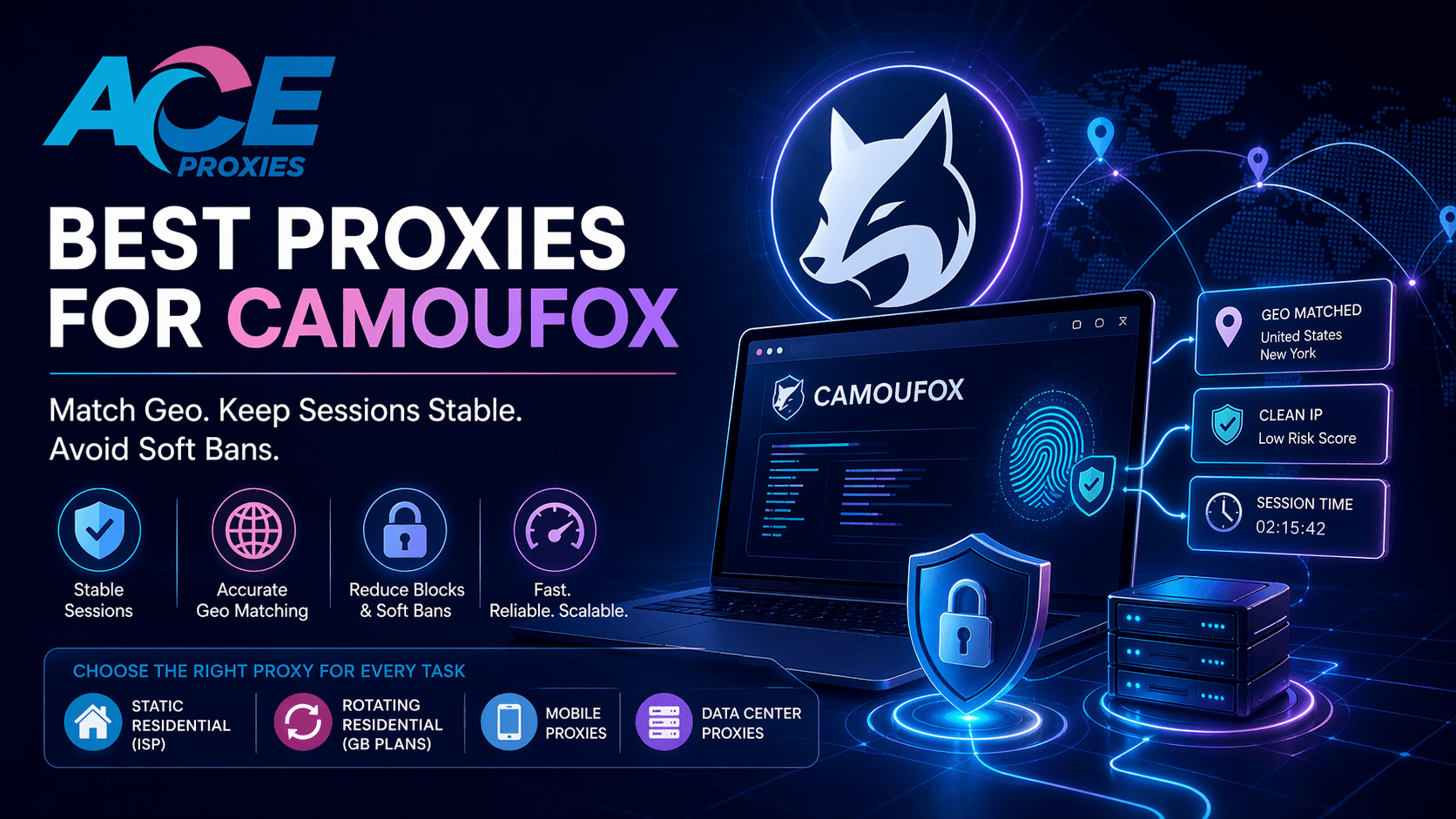
- Ace Proxies Static Residential Proxies (ISP): This is the strongest default option for serious Camoufox session work. They are dedicated, private, support HTTP/HTTPS/SOCKS, and include unlimited bandwidth. They are ideal for long-lived sessions, account management, persistent cookies, and browser profiles that must return daily with the same trusted identity.
- Ace Proxies Rotating Residential Proxies (GB Plans): These are built for coverage, scale, and request distribution. They can rotate on every request or at timed intervals (1, 10, or 30 minutes). They are the perfect fit for public web scraping, broad URL collection, and workflows where session persistence is unnecessary.
- Ace Proxies Mobile Proxies: Mobile IPs offer the highest possible trust profile. Routing traffic through real 4G/5G mobile carrier networks, they are perfectly suited for ultra-strict anti-bot environments and mobile-sensitive targets where even residential traffic struggles.
- Ace Proxies Data Center Proxies: Fast, cost-effective, and equipped with unlimited bandwidth. They are best reserved for internal testing, QA loops, and lower-friction targets rather than sensitive, stateful Camoufox sessions.
Step 3: Configure Camoufox with absolute geo-consistency
- Your proxy region must perfectly match your browser location signals.
- Your browser profile should never jump across unrelated global locations.
- If your proxy IP exits from New York, your browser time zone, language, and WebRTC must not look like they belong in Berlin.
Step 4: Utilize proxy lanes for mixed tasks
- Lane A (Discovery): Use Ace Proxies Rotating Residential Proxies to spread requests across many IPs for broad URL scraping.
- Lane B (Action): Switch to Ace Proxies Static Residential Proxies to preserve a stable identity during login-heavy or cookie-sensitive actions.
💡 PRO TIP:
If your Camoufox setup still gets challenged after tweaking your browser fingerprints, stop assuming the browser is failing. In most cases, the real issue is utilizing the wrong proxy type (e.g., using a datacenter IP for an e-commerce login).
⚠️ WARNING:
Never use fast-rotating IPs for account-based sessions unless you specifically designed the workflow to handle sudden drops. If your cookies remain identical but your IP changes to a new city halfway through a session, websites will immediately flag the behavior as suspicious.
Technical Benchmarks / What to Look For Before You Buy
- Session Stability (Sticky IPs)
- Geo-Matching
- Protocol Support
- Bandwidth Models
- Concurrency Discipline
Final Verdict
If you are running Camoufox for login-heavy, session-sensitive, or stateful browser automation, the ultimate default option is Ace Proxies Static Residential Proxies (ISP).
The best camoufox residential proxy setup isn't about finding one "perfect" IP for everything; it is about matching the exact proxy architecture to the specific automation job.
Head over to the Ace Proxies Plans Page today, choose the right proxy lane, and start building block-free browser automation.
FAQ Section
What are the best proxies for Camoufox?
For the majority of login-heavy or persistent Camoufox workflows, Static Residential Proxies (ISP) are the best option.
Should I use rotating residential proxies with Camoufox?
Yes, but strictly for public scraping and distributed data collection.
Are mobile proxies better than static residential proxies for Camoufox?
It depends on the target. Mobile proxies offer the highest possible IP trust score for ultra-strict targets.
Are datacenter proxies good enough for Camoufox?
They are fine for internal testing and low-friction targets but not ideal for strict workflows.